Coaching program delivery: task packs that release on each client's own schedule
Build a coaching program once: its sessions, its length, the tools it unlocks and its task packs. Each pack releases a set number of weeks into a client's own program, on your chosen weekday, so a March joiner and a July joiner each get week 2 in their own week 2.

How it works
Write your packs
Week by week, mixing JobMentis steps, your questionnaires and your own tasks.
Attach them to a program
Pick the week and weekday each pack releases, and check the preview dates.
Invite clients onto it
Up to ten at a time. Each client's week 1 starts on their own start date.
Watch the work arrive
Tasks tick themselves off as clients do the work, and the dashboard shows who is behind.
What a program holds
A program is your product in JobMentis: how many sessions it includes and how long each runs, how many months of access it gives, which tools it unlocks, its starter tasks, its onboarding questionnaire and its welcome email. It can be one-to-one, a group with rolling admission, a cohort with one shared start, or self-paced. Leaving the format unset is fine; nothing behaves differently.
What goes in a task pack
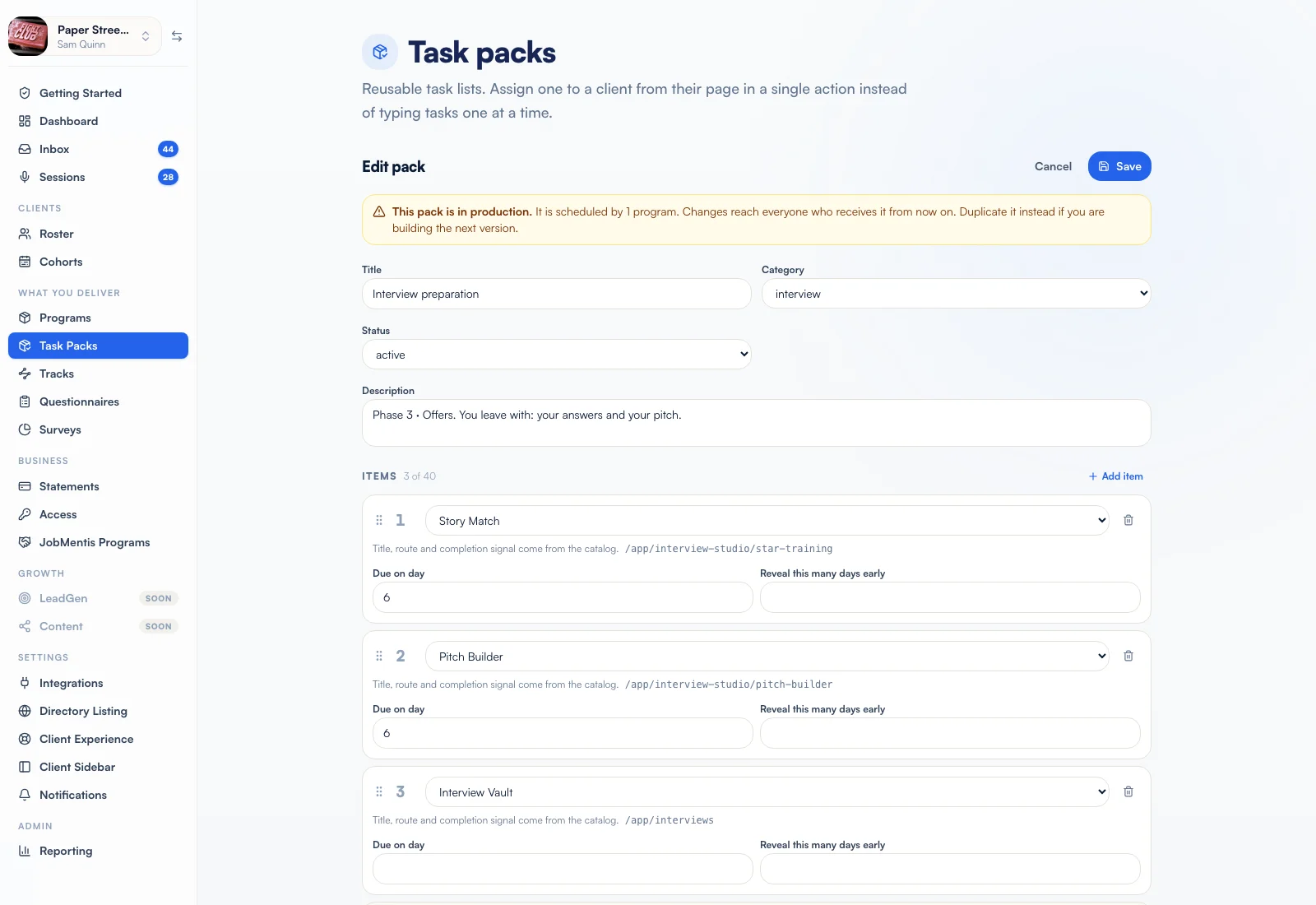
A task pack is a short list of tasks handed out in one go, so "one to three tasks after every session" stops being something you type every week. An item can be a JobMentis step (upload a CV, run a CV audit, track three jobs) that ticks itself off when the client does it, one of your questionnaires, sent when the pack arrives, or a task of your own with your own text and link. Each item has a due day and can stay hidden until a few days before, so a four-week plan never shows up as twenty-four tasks on day one.
How releases are timed
Releases count from each client's program start, not from a calendar date. "One week in, on Monday" means the first Monday on or after day 7; a day-zero pack always arrives on day one. The editor previews the dates for a client starting today and tells you how many weeks your packs actually cover, which is worth knowing for a three-month program with four weeks of content. Each release sends the client one notification, not one per task.
Adding a pack later never floods your roster
Attaching a new pack does not send past weeks to clients already beyond that point. When you do want to catch people up, you tick one box and confirm the real numbers (for example, twelve releases to four clients). The catch-up is spread over a few hours and reaches back one week at most. One person can be caught up from their own page instead.
The next variant is one click away
Programs, task packs, questionnaires and tracks all duplicate with everything attached. Every copy starts as a draft, and a few things are deliberately left behind, such as a program's payment link, so a copy can never be sold by accident under the original's price.
Works with
- CohortsRun cohortsOne Day 1, weekly releases at your hour, CV checkpoints and group targets for the whole intake.
- Client accountabilitySee the work between sessionsApplications, interviews, contacts and conversations counted weekly, with targets and early flags.
- Surveys and questionnairesAsk the right questionsQuestionnaires for each client's intake, anonymous surveys for the whole group.
FAQ
Questions coaches ask
I already run my program in Notion or Trello. Do I have to rebuild it?
No. Your curriculum stays where it is. What you build in JobMentis is the delivery: which tasks arrive in which week. A custom task can link to any page, so "read chapter 3 in the workbook" can point straight at your Notion page or Trello card.
Do tasks really complete themselves?
Where the platform can see the work happen, yes: a CV uploaded, a story written, three jobs tracked. For tools without a clear finish line, such as Pathfinder or a mock interview, the picker says so and the client marks the task done. It reads the current state, so a task to write two stories lands already ticked for a client who has three.
What if a client actually starts later than the invite?
Change their program start date on their page. Moving it later never takes back anything already sent; moving it earlier can bring an upcoming release forward.
Want to see it on your own program?
Bring one program and two or three real clients to a call. We build the first schedule with you and show you what the console would flag this week.